Setting up PAI
Plug it in, pair your phone, answer a 15-minute interview, and decide what PAI will and will not do.
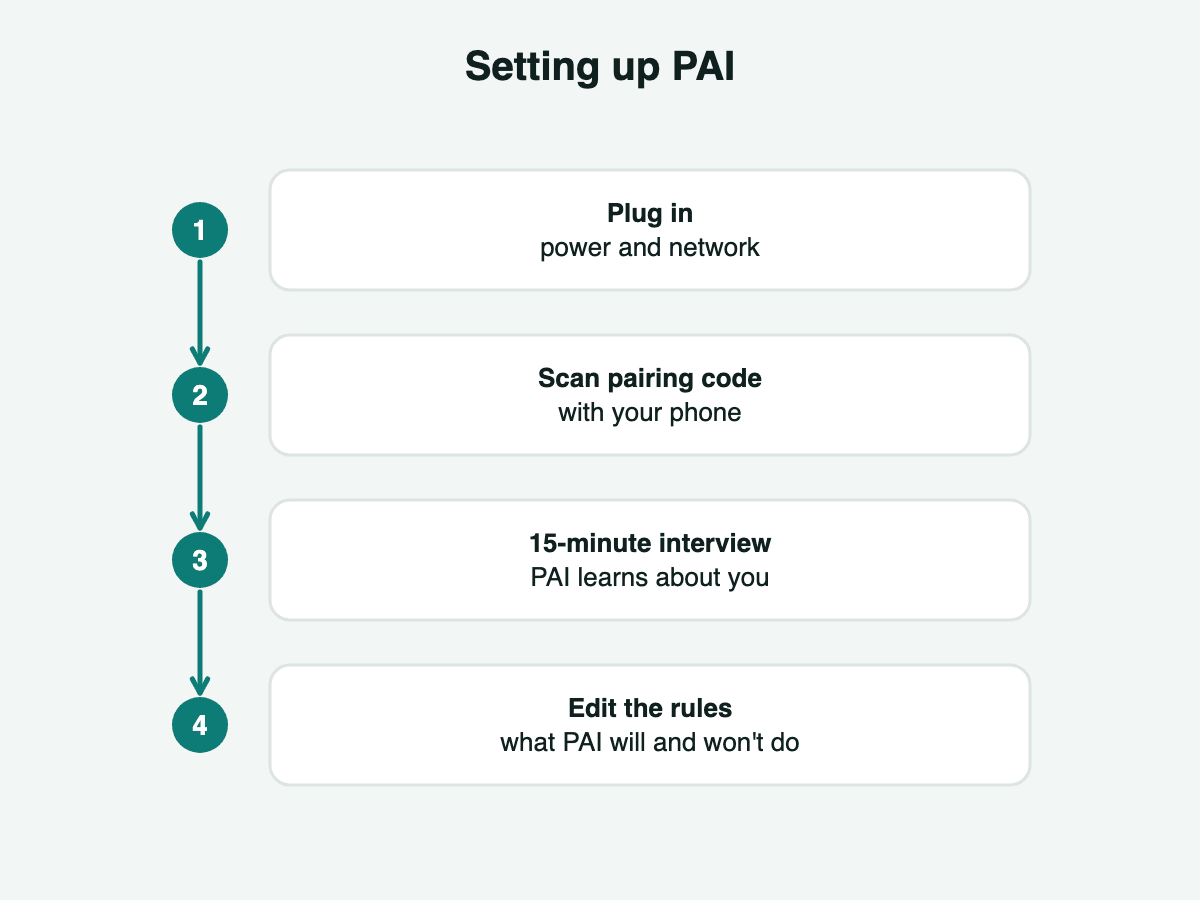
Four steps
Setup is designed for people who have never run a server.
- Plug in power and a network cable.
- Scan the pairing code with your phone to install the PAI app.
- Answer the first-boot interview, about 15 minutes.
- Read and edit the plain-English page of what PAI will and will not do.
Weekly check-in
A short weekly check-in keeps your profile current. Everything it learns stays on the box.
PAI OS on your own computer
PAI OS installs on your own x86-64 mini PC with 16 GB of memory or more. You flash the image to a USB stick, boot from it and follow the same four steps.
Hardware is coming soon.